
Design export preflight
Catch delivery problems before they become downloaded files.
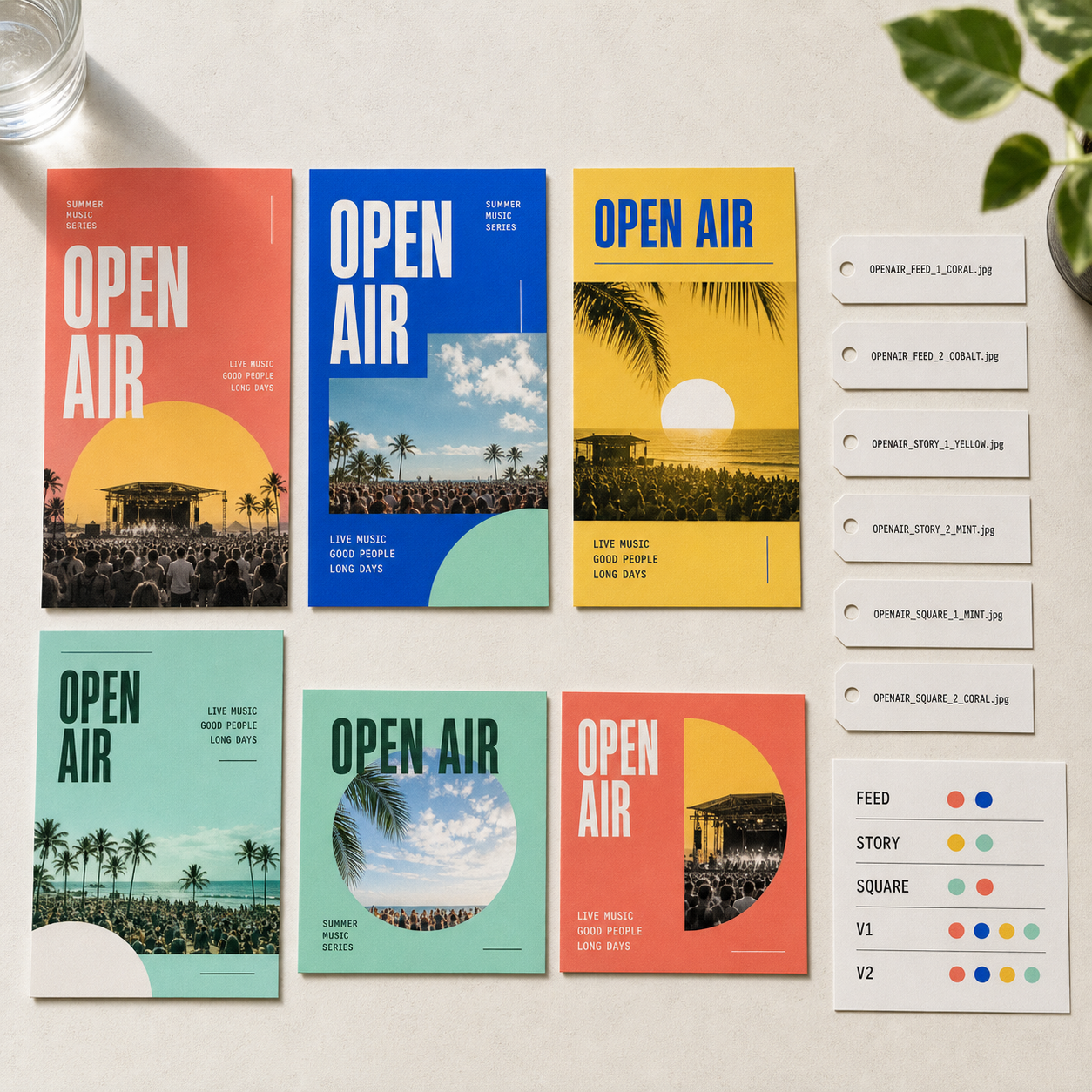
Check visible image availability, crop, overflow, design selection, and exact output dimensions before exporting one design or a full Campaign Set.
How it works
A clear path from intent to editable result.
- 01
Choose the delivery set
Select the exact designs that belong in the export without changing the active Canvas.
- 02
Run preflight
Block missing visible image bytes and surface crop or overflow warnings for review.
- 03
Render exact designs
Produce each requested PNG at native dimensions or package a multi-design set with a readable manifest.
Designed for the last mile
What stays open to review.
- Missing-asset blockerDo not export a visible image layer when its stored bytes cannot be resolved.
- Crop warningsFlag image placement that may unintentionally hide important content.
- Overflow warningsSurface visible layers extending beyond the design boundary.
- Exact dimensionsRender every design from its own width and height rather than one global canvas size.
- Read-only projectionExport never activates or mutates designs just to render them.
- Campaign ZIPPackage selected PNGs with a human-readable manifest for multi-design delivery.
FAQ
Questions about design export preflight.
Does preflight change the design?
No. It reads the current document and asset repository without issuing document commands.
What blocks an export?
A visible image whose bytes are missing is a hard blocker. Crop and overflow are warnings that you can review before delivery.
Can I export several sizes together?
Yes. Multi-design delivery packages the selected exact-size PNGs and a readable manifest in one ZIP.
Give the Agent a real marketing brief.
Generate a complete first pass, then refine copy, visuals, layout, and every format as an editable design.