
Social campaign kits
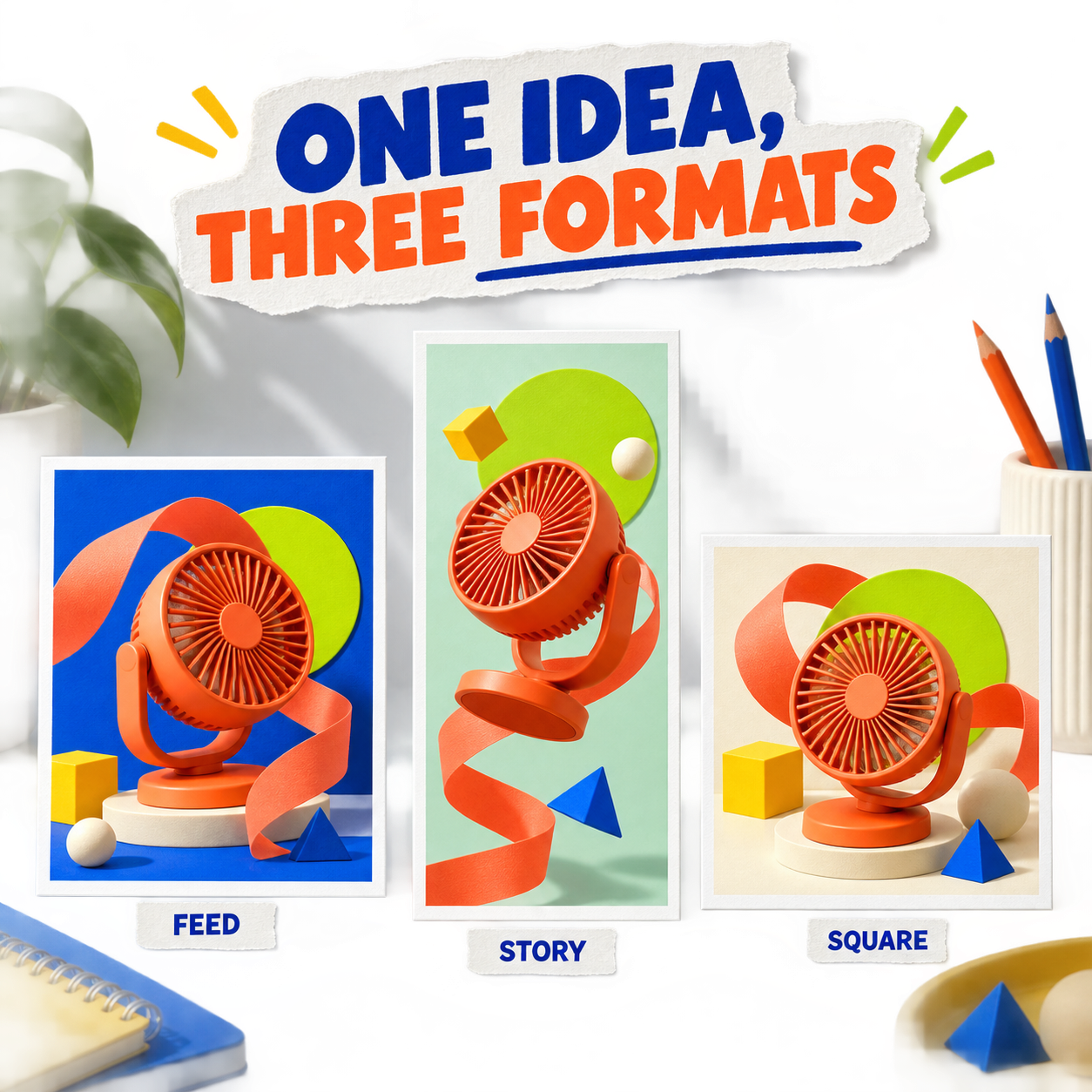
Keep the idea consistent while the formats change.
Plan a social campaign as a set of channel deliverables, not a pile of unrelated exports.
Workflow
A clear path from brief to delivery.
- 01
Choose the channel set
Begin with placement references for feed, Story, carousel, Pin, or LinkedIn instead of arbitrary canvas sizes.
- 02
Define the repeated system
Lock the message hierarchy, palette, typography, image treatment, and CTA pattern.
- 03
Adapt with intent
Change crop and emphasis for each placement while keeping the campaign recognizable.
Deliverable system
What stays connected across the work.
- Reviewed placementsCurrent Catalog records dimensions, source claims, safe-area notes, and verification dates.
- Multi-page editingKeep formats together without flattening them into one export-only batch.
- Asset reuseReference the same immutable logo and product assets across designs.
- Copy-safe compositionPlan image generation around where channel copy needs to remain legible.
- Export preflightBlock missing visible images and warn about crop or overflow before delivery.
- Human reviewTreat AI output as a proposal and retain a deliberate apply boundary.
FAQ
Questions about social campaign kits.
Is every social format just a resize?
No. Different placements need their own hierarchy, crop, and safe-area decisions even when they share one campaign system.
Where do dimensions come from?
Retake stores versioned placement records with official source URLs, a verification date, and any conservative internal safe-area assumptions.
Can the same asset be reused?
Yes. Designs reference shared immutable Asset records without duplicating the underlying bytes.