
Event promotion kits
Give one event a coherent identity across every announcement.
Build the feed post, Story, and professional-network update from one hierarchy of date, place, reason, and action.
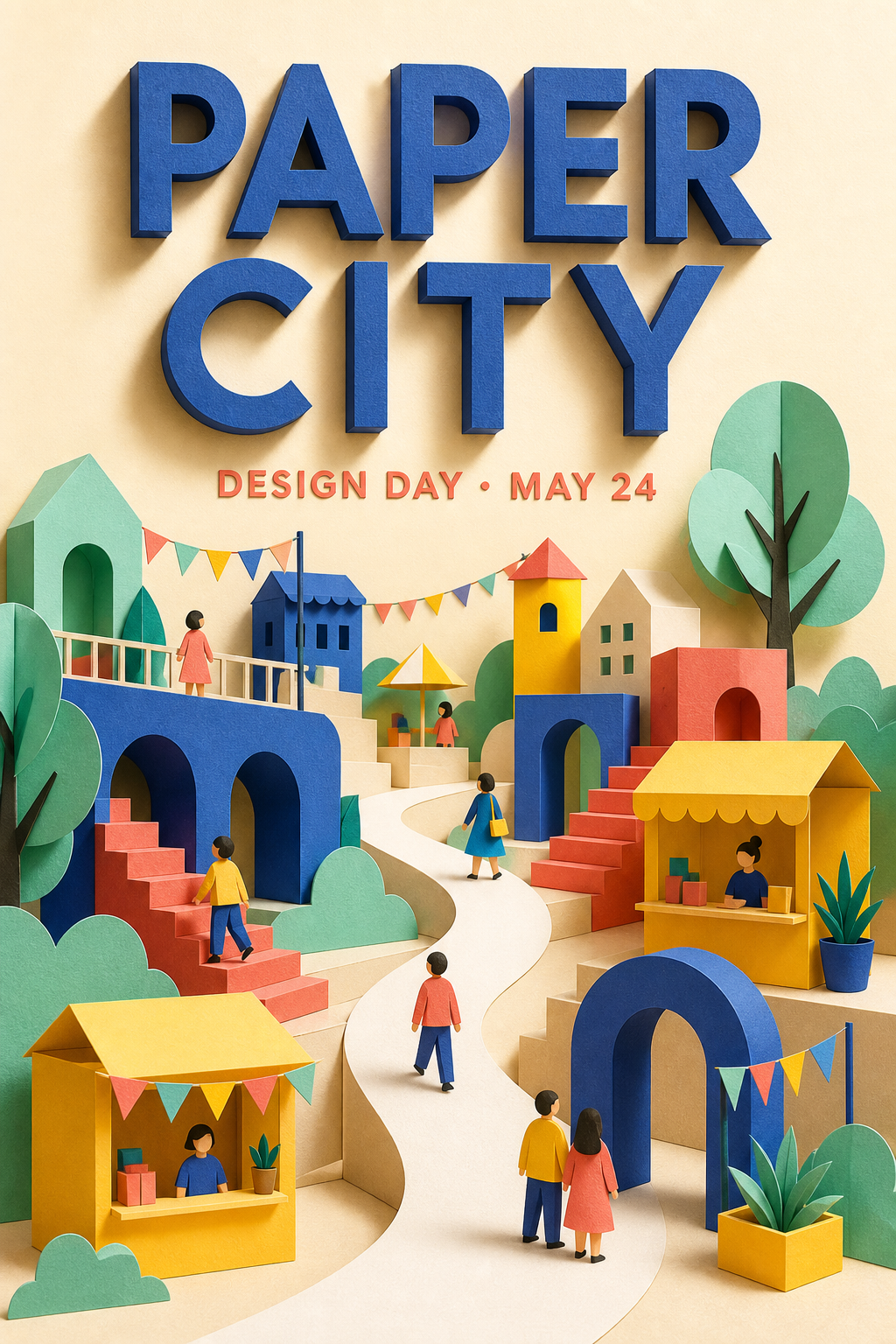
Workflow
A clear path from brief to delivery.
- 01
Order the event facts
Define the event name, value, date, location, host, and primary action before styling.
- 02
Create the recognizable system
Use a shared image treatment, type scale, and accent color across placements.
- 03
Check each reading distance
Review the mobile Story, feed card, and LinkedIn image at realistic display sizes.
Deliverable system
What stays connected across the work.
- Event fact hierarchyKeep date, place, and CTA editable and ordered for fast scanning.
- Three-channel exampleSee an example with Instagram portrait, Story, and LinkedIn landscape designs.
- Prepared event directionOpenHouse Studio demonstrates one coherent event identity across all three placements.
- Copy-safe imageryReserve quiet areas for the facts that cannot be hidden behind platform UI.
- Reusable asset systemShare logos and visual assets across designs without duplicating source bytes.
- Export manifestA multi-page delivery can include PNGs plus a human-readable manifest.
FAQ
Questions about event promotion kits.
Can I use the example artwork for my event?
Use it as an editable starting point, then replace the name, event facts, and imagery with your own approved content.
Which formats are in the example?
Instagram portrait, Instagram Story, and LinkedIn landscape.
Why keep event copy editable?
Dates, venues, and calls to action often change. Native text layers make corrections safer than editing flattened pixels.