
AI product photography
Place the product inside a visual world built for the campaign.
Create studio, lifestyle, editorial, and detail directions with intentional framing for the layout that follows.
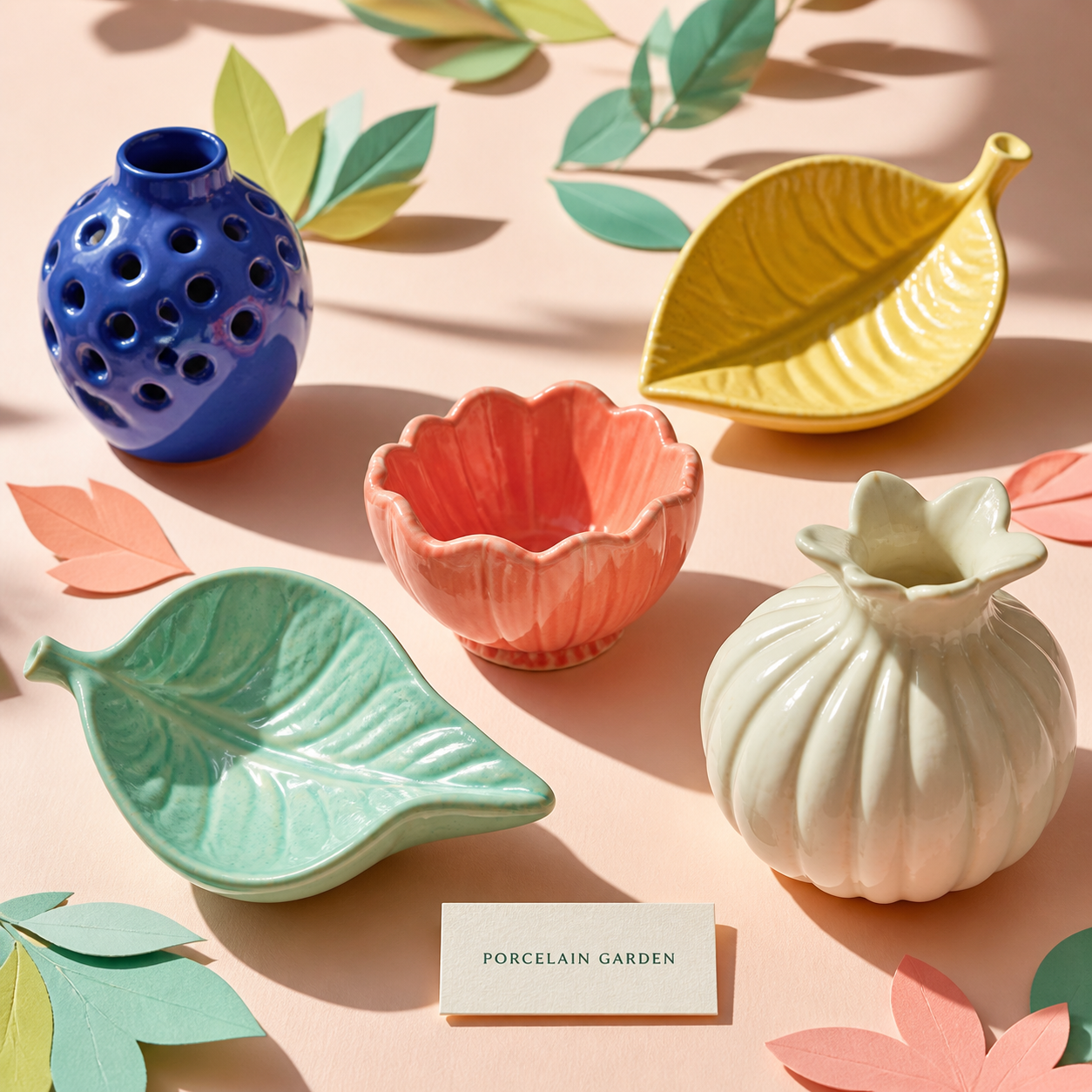
Workflow
A clear path from brief to delivery.
- 01
Protect product identity
Bind the request to approved product references and describe what must remain visually unchanged.
- 02
Design the scene for the page
Specify lighting, materials, camera, mood, aspect ratio, and the copy-safe region needed by the layout.
- 03
Compare before placement
Review candidates, store the chosen bytes as an immutable asset, then position it in the editable design.
Deliverable system
What stays connected across the work.
- Campaign-aware art directionFrame imagery around the placement and message instead of generating an isolated beauty shot.
- Studio and lifestyle modesExplore clean commerce images, material still lifes, environmental context, and editorial scenes.
- Reference-aware requestsCarry bounded image inputs and product-preservation instructions into the provider request.
- Copy-safe framingReserve usable negative space for headlines, pricing, or product facts.
- Immutable candidatesPreserve source and every reviewed output as separate assets.
- Editable cropTune placement after selection without altering the stored original bytes.
FAQ
Questions about ai product photography.
Do I need a product photo?
Reference-led product preservation requires an approved source image. Source-free prompts can still explore scene and art direction before that asset is available.
Can the model guarantee exact packaging text?
No. Important product labels and claims should be checked and, when practical, rebuilt as editable Retake layers.
Can I compare multiple visual worlds?
Yes. Candidate Compare keeps alternatives read-only until you explicitly select one for the image layer.