
Seasonal promotion design
Give the sale a recognizable idea—not just a louder badge.
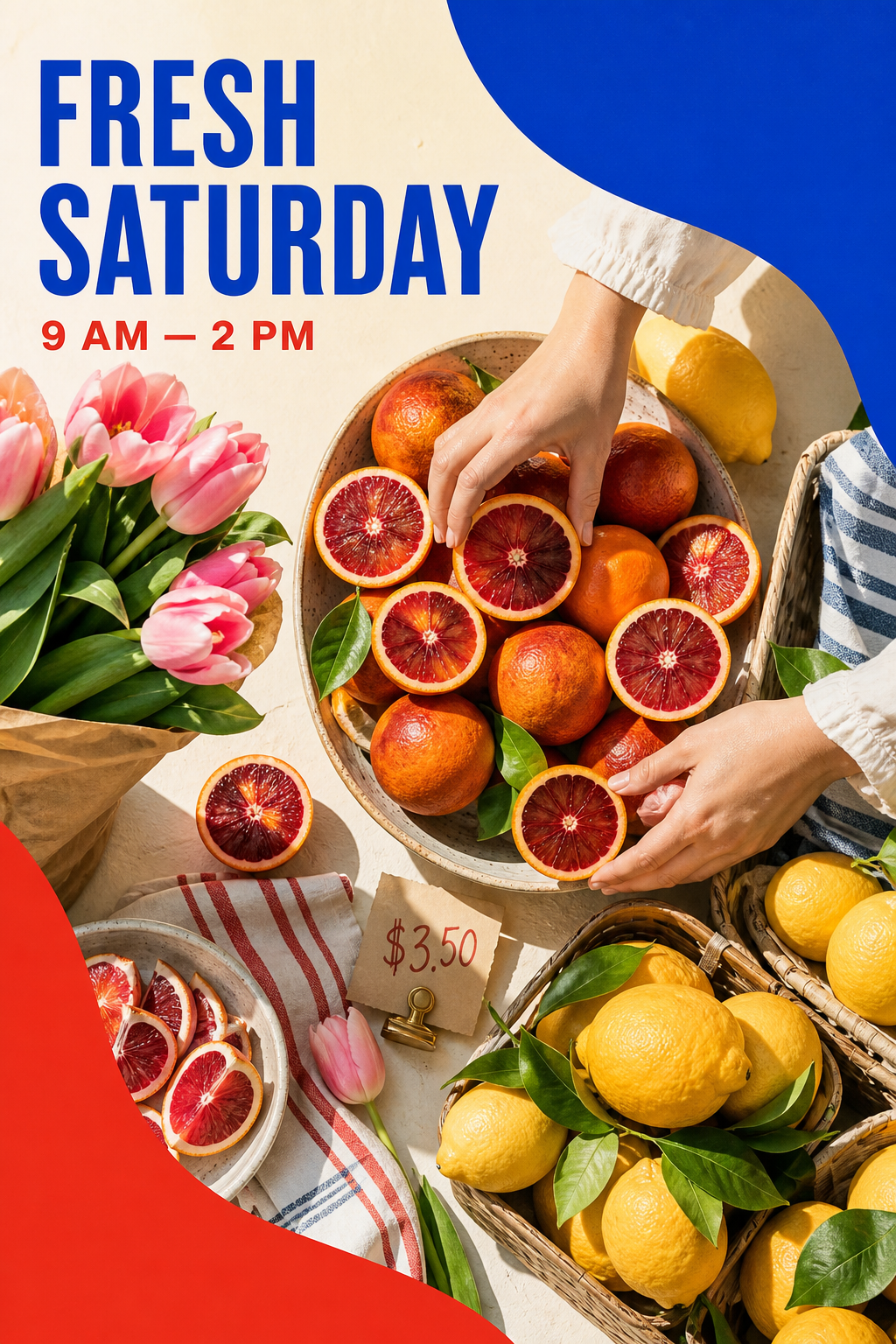
Create a seasonal visual system for feed, Story, marketplace, display, and email assets while keeping offer details editable.
Workflow
A clear path from brief to delivery.
- 01
Define the commercial truth
Confirm the promotion name, products, dates, discount language, exclusions, and primary action.
- 02
Choose the seasonal device
Build a visual motif, palette, image treatment, and type behavior that can repeat without becoming generic.
- 03
Roll out the system
Adapt the hierarchy for every placement and keep offer text available for late operational changes.
Deliverable system
What stays connected across the work.
- Editable offer detailsKeep prices, dates, codes, and exclusions as normal text layers.
- Repeatable visual motifUse one distinctive device across formats instead of unrelated decorative assets.
- Multi-channel campaign setKeep social, marketplace, display, and email-supporting creative in one project.
- Brand checkpointApply the active Brand Kit before the seasonal system is expanded.
- Source-backed sizesBuild every design from a versioned placement record rather than memory.
- Fast correctionsChange operational details once the campaign is reviewed without regenerating every background.
FAQ
Questions about seasonal promotion design.
Can I change a date after the artwork is generated?
Yes. Retake keeps campaign facts in editable layers whenever they should not be baked into the generated image.
Is a seasonal promotion only a sale template?
No. The stronger starting point is a reusable campaign idea, with templates used only to compile that direction into editable channel designs.
Which channels can share the same direction?
Any reviewed Campaign Set can share the visual system while preserving placement-specific hierarchy and crop.