
Multi-size campaign maker
Create coordinated channel designs in one reviewed batch.
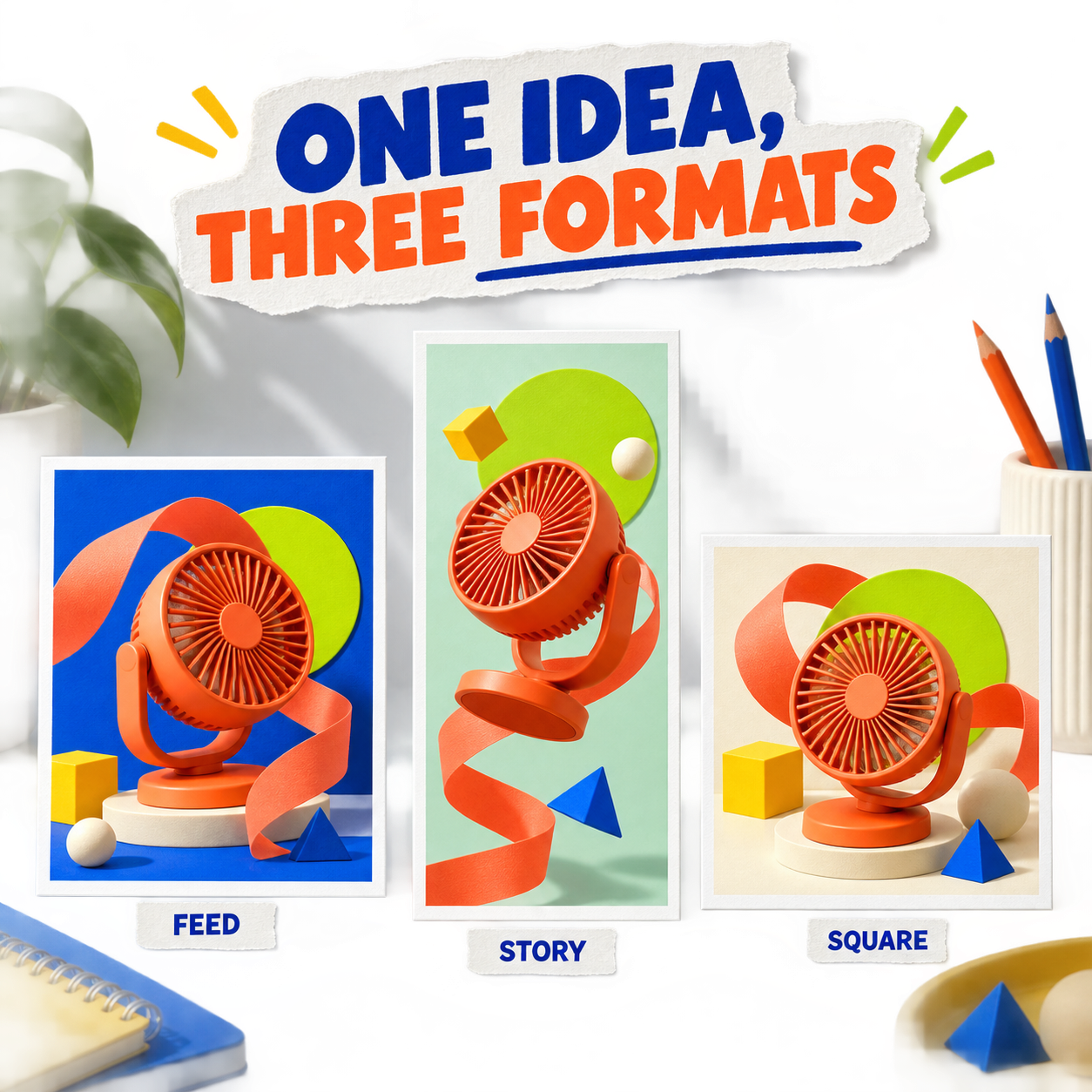
Turn a launch brief into a Campaign Set with a shared direction, then adjust each format without rebuilding the campaign.
How it works
A clear path from intent to editable result.
- 01
Choose the Campaign Set
Select a versioned layout recipe whose output list matches the campaign channels you need.
- 02
Review copy and visual direction
A typed proposal keeps campaign name, message, CTA, and visual requests inspectable before apply.
- 03
Apply once, edit per channel
The approved Campaign Set enters history as one batch, while every design and layer remains independently editable.
Designed for the last mile
What stays open to review.
- Feed + StoryCreate coordinated Instagram portrait and Story designs.
- Batch undoApplying the Campaign Set is one command-history action rather than a chain of partial mutations.
- Shared campaign contextCopy and visual requests share one immutable brief snapshot.
- Native editable designsRecipe output compiles into the same design and layer model used everywhere else.
- Partial-result safetyFailed visual variants do not invent a parallel workflow document.
- Exact output specsEvery generated design is tied to reviewed width, height, aspect ratio, and copy guidance.
FAQ
Questions about multi-size campaign maker.
Is this automatic resizing?
No. Each design uses a format-specific layout recipe and remains editable after the shared campaign proposal is applied.
Which formats can I create together?
Create an Instagram portrait Feed design and an Instagram Story design with a coordinated direction.
Can I adjust each format separately?
Yes. Feed and Story appear as separate pages in the same project. Edit their text, visual placement and shapes independently.
Give the Agent a real marketing brief.
Generate a complete first pass, then refine copy, visuals, layout, and every format as an editable design.