
YouTube and creator thumbnails
Turn the content hook into a thumbnail people can read at a glance.
Build strong subject separation, expressive framing, concise type, and a repeatable creator identity at real thumbnail size.
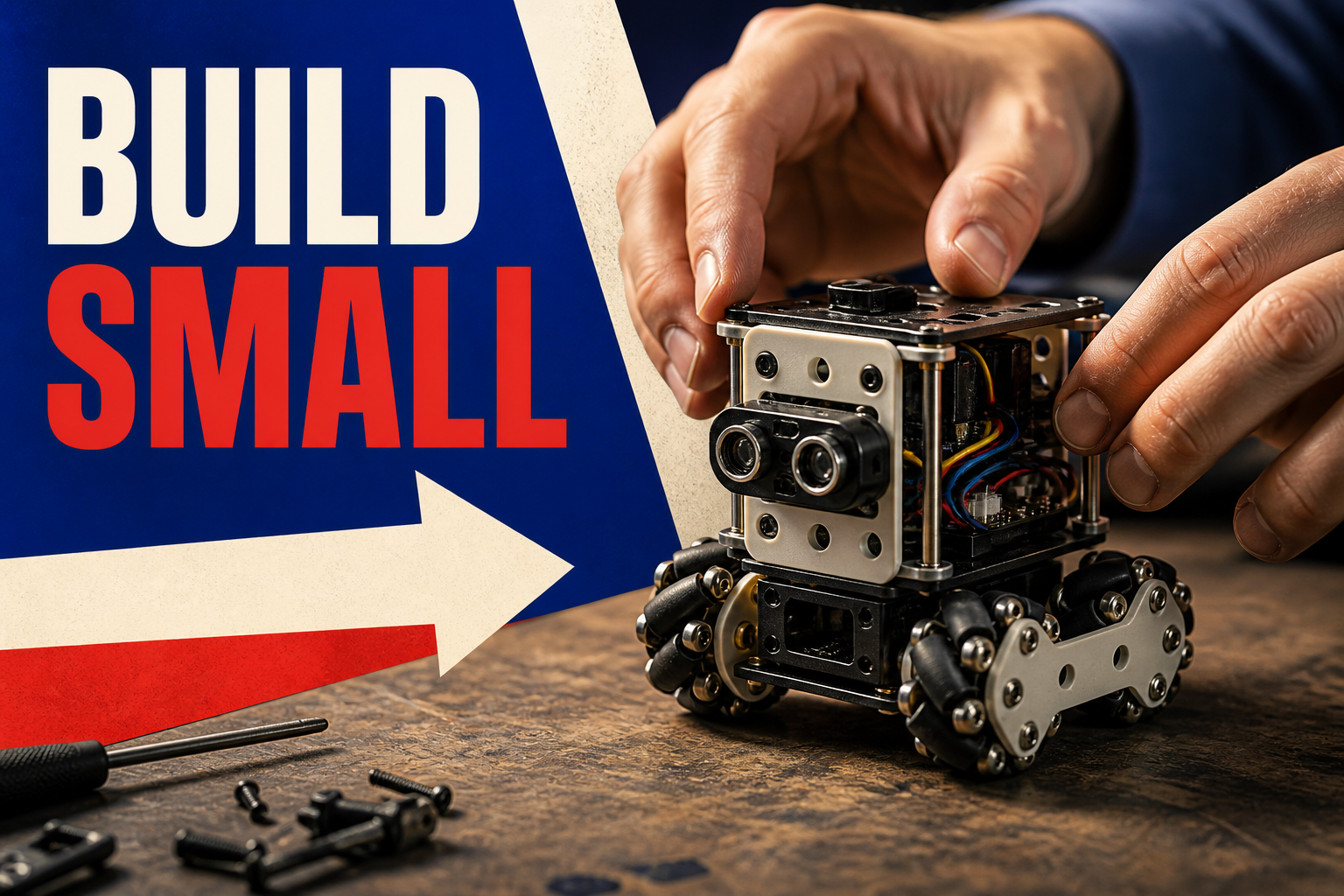
Workflow
A clear path from brief to delivery.
- 01
Name the click promise
Reduce the video idea to one clear tension, transformation, question, or payoff.
- 02
Compose for small display
Separate the subject, establish one dominant gesture, and reserve a high-contrast region for minimal copy.
- 03
Compare at thumbnail size
Review candidates at realistic scale, then keep the selected visual editable with native typography.
Deliverable system
What stays connected across the work.
- Hook-first briefStart with the reason to click rather than decorating the video title.
- Subject separationUse lighting, depth, outline, or background treatment to make the focal subject legible.
- Minimal copyKeep the strongest few words editable and large enough for a small recommendation card.
- 16:9 referenceWork from the reviewed YouTube thumbnail placement and exact export dimensions.
- Parameterized promptReuse a visual system with different hooks, subjects, and props while preserving the creator identity.
- Variant comparisonReview image directions before committing one to the page.
FAQ
Questions about youtube and creator thumbnails.
Should the thumbnail repeat the full video title?
Usually no. The thumbnail should communicate one visual hook at small scale while the title carries the fuller context.
Can Retake generate text inside the image?
Prompt previews may demonstrate rendered type, but production thumbnail copy is safer as an editable text layer for accuracy and iteration.
Can I reuse one creator style?
Yes. Save the recurring palette, typography, image treatment, and voice in a Brand Kit and prompt parameters.