thumbnail
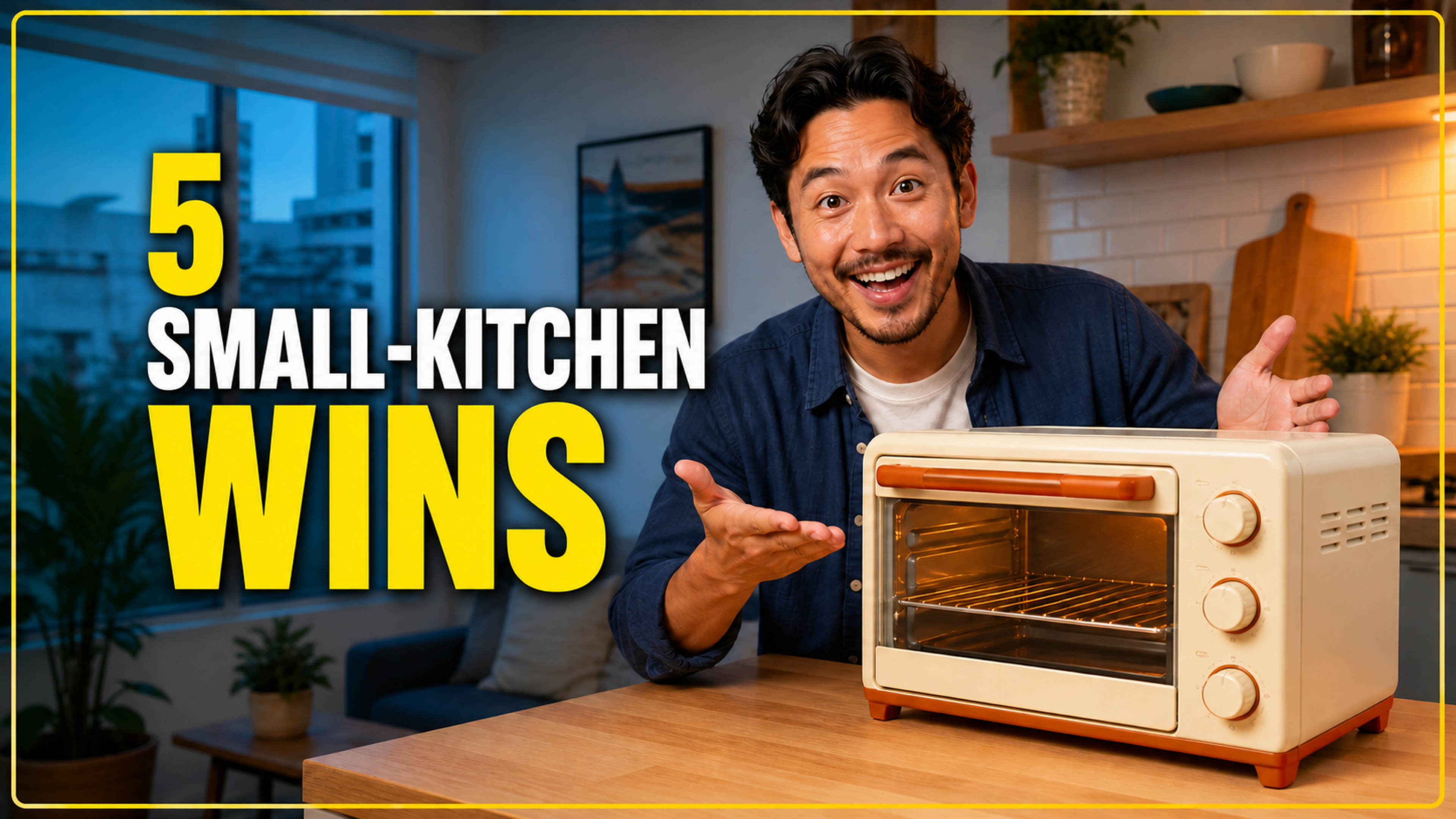
One YouTube custom thumbnail output.
YouTube custom thumbnail Retake Design
social · Result Skill v1
Create a high-contrast YouTube thumbnail around one video promise.
Your brief
Prepare your audience, message, and visuals. Sign in to start customizing your design.
Enter the brand name that should appear in the editable copy. Maximum length: 80 characters.
Name the exact product, service, video, or event. Maximum length: 120 characters.
One fact per line. The starter must not invent unsupported claims. Maximum length: 1200 characters.
Describe the intended US audience without sensitive targeting. Maximum length: 300 characters.
Short editable headline. Keep it specific and fact-safe. Maximum length: 48 characters.
Upload an owned product or campaign visual after sign in. Without one, the approved example asset is used as a starter.
Design formats
Check the dimensions and intended placement of each design.
One YouTube custom thumbnail output.
YouTube custom thumbnailReviewed example
See how Fieldnote Kitchen turns Mini countertop oven into a complete YouTube Thumbnail Story deliverable. Build an original, channel-native visual system with a clear focal product, restrained copy and consistent brand identity. Do not recreate competitor assets.
Practical workflow
Supply only the audience, message, facts, and constraints this deliverable needs.
Check the campaign direction and approved facts before any result is applied.
Review hierarchy, crop, copy, and exact dimensions for each design instead of treating the set as a resize.
Create editable campaign designs, make final changes, and export your finished work.
Add your brief, preview the designs, and continue editing in Canvas.